Midjourney•6 min read
كيفية إنشاء أوامر Midjourney من الصور
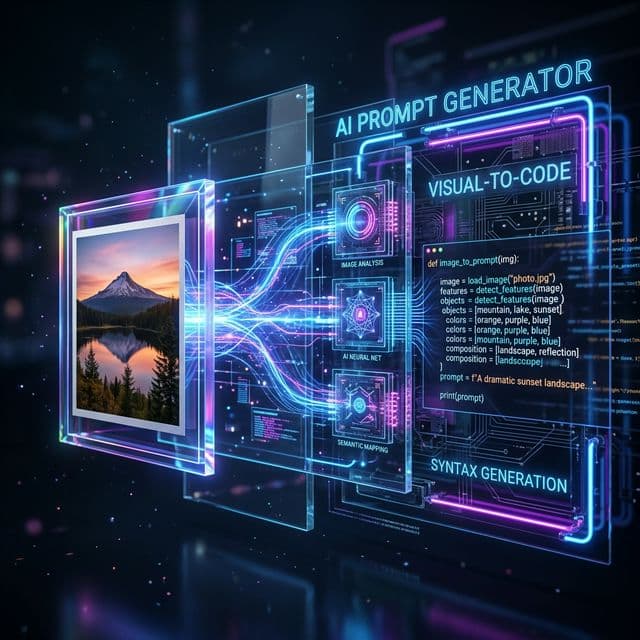
In the rapidly accelerating world of generative AI, describing what you see is undeniably the hardest part of the creative workflow. Think about it: how do you articulate the deeply nuanced volumetric lighting of a 1980s cinematic still? How do you mathematically describe the exact brushstroke weight and pigment density of a Renaissance oil painting?
Instead of guessing keywords and wasting hours of GPU credits on failed generations, the modern, professional workflow utilizes a <a href="/tools/image-to-prompt" class="text-blue-600 font-extrabold hover:underline">prompt generator from image</a>. By uploading a reference photo into a high-tier vision-model, you instantly reverse-engineer the aesthetic footprint into a highly effective, production-ready midjourney image prompt.
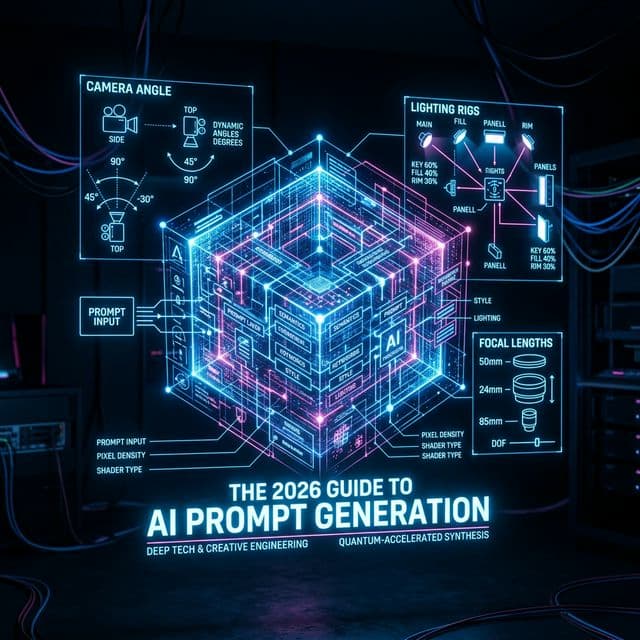
The Mechanics of an AI Prompt Image Generator
When you upload an image, an advanced tool doesn't just list the objects it sees. That is what standard image recognition APIs do, and they are practically useless for generative art. A true vision extractor functionally breaks down the volumetric properties, the subject matter, the camera focal length, and the artistic medium.
It then seamlessly translates these complex visual cues into a syntax that Midjourney V6 can natively interpret, such as `--stylize 250`, `--chaos 10`, or `--ar 16:9`.
Decoding the Lighting Variables
Lighting is the difference between a synthetic-looking render and a photorealistic masterpiece. An <a href="/tools/image-to-prompt" class="text-blue-600 font-extrabold hover:underline">image to text prompt</a> algorithm specifically hunts for shadowing and highlights. Are the shadows hard (implying a single, intense sun source) or are they soft and diffused (implying overcast weather or softboxes)?
Once identified, the engine injects these LSI lighting keywords (e.g., *volumetric god rays, paramount lighting, cinematic rim light*) directly into the string.
Step-by-Step: Translating Image to AI Prompt
The process is staggeringly simple when you have the right architecture built into your stack. If you follow these exact rules, you will never struggle with blank-canvas syndrome again.
1. Source the Perfect Reference Target: Spend your time on Pinterest, ArtStation, or Behance. Find an image that perfectly captures the exact lighting, camera angle, or vibe you are trying to replicate.
2. Execute the Vision Scan: Upload that image into our exclusive ai picture prompt tool. Wait three seconds while the engine parses the neural weights.
3. Isolate and Replace the Subject: The resulting ai images prompt will contain the *entire* visual formula. To avoid creating an exact copy, simply locate the subject noun (e.g., "a racing car") and replace it with your desired subject (e.g., "a futuristic spaceship"), leaving the lighting and environment descriptors entirely untouched.
4. Copy the Syntax to Discord: Take the generated payload and paste it directly into Discord or your generative engine of choice.
The Business Case for Reverse Prompting
Creative agencies are bleeding money paying for iterating standard English prompts. By utilizing an <a href="/tools/image-to-prompt" class="text-blue-600 font-extrabold hover:underline">image to text prompt</a> workflow, art directors can guarantee spectacular visual fidelity on their very first generation run.
Whether you are building environmental assets for a video game, generating stock photography for a client invoice, or simply exploring the boundaries of machine imagination, extracting prompts from images represents the single largest leap in AI efficiency since the invention of Diffusion models themselves.
Stop guessing. Start extracting. Dominate the generative landscape today.
S
Sarah Jenkins
AI Narrative Designer
قد يعجبك أيضًا
مولد النصوص من الصور: الدليل الشامل
دليل شامل لمولد النصوص من الصور: تعرف على أفضل الأدوات والتقنيات لتحويل الصور إلى نصوص إبداعية باستخدام الذكاء الاصطناعي.
اقرأ المزيد
بناء مشروع تجاري حول أداة صور بالذكاء الاصطناعي
تعلم كيفية بناء وكالة ضخمة حول أداة مولد الصور بالذكاء الاصطناعي. دليل شامل لتحويل الأداة إلى مشروع تجاري ناجح.
اقرأ المزيد