图像转提示词生成器
上传任何图像以生成完美设计的AI提示词蓝图。
[ZH] Input Image
Generated Prompt
The prompt will be displayed in the output box after the generation is complete.
How the Image to Prompt Generator Works
Our AI image prompt engine uses advanced computer vision to reverse-engineer any photo into a production-ready AI prompt. Whether you need to create prompt from image files for Midjourney, extract an image to text prompt for DALL-E 3, or generate prompt from image references for Stable Diffusion — the process takes seconds.
Upload Your Image
Drop any photo, screenshot, or artwork into the AI prompt images analyzer. Supports JPG, PNG, and WebP up to 10MB.
AI Prompt Extraction
Our image prompt AI scans the visual structure, lighting, camera angle, artistic style, and subject matter to generate a precise AI image prompt with model-specific parameters.
Copy & Generate
Take your generated AI image generator prompt and paste it directly into Midjourney, DALL-E 3, or Stable Diffusion for instant high-fidelity reproduction.
Why Professionals Trust Our Image to Prompt Technology
Converting an image to prompt text requires far more than simple object detection. Our prompt generator from image technology dissects over 40 visual parameters simultaneously — from chromatic temperature and bokeh depth to compositional geometry and atmospheric perspective. The result is an AI generated image prompt that captures not just what is in a picture, but the precise feeling and technical approach behind it.
When you generate prompt from image files on our platform, the engine produces image generation prompts formatted for your target model. Midjourney users receive weighted parameters with --ar and --stylize flags. DALL-E users get natural language with precise medium descriptors. Stable Diffusion users get comma-separated token syntax with negative prompt suggestions. This model-aware approach to creating an AI prompt image blueprint is what separates a professional prompt image AI tool from basic captioning services.
Unlike generic caption generators, our AI prompt generator image engine understands aesthetic intent. A sunset photograph, for example, does not simply become "a sunset." It becomes a fully weighted prompt complete with golden hour lighting ratios, lens focal length (e.g., 85mm f/1.4), atmospheric haze percentages, and color grading instructions. This level of depth turns every ai images prompt into a reproduction-ready specification, not just a loose description.
Who Uses an Image to Prompt Generator?
From solo creators to enterprise design teams, professionals across industries use our tool to create prompt from image references and accelerate their creative workflows.
Digital Artists
Reverse-engineer reference images into AI image prompts to build style-consistent collections across Midjourney and Stable Diffusion projects.
Photographers
Extract precise lighting, lens, and composition parameters from portfolio shots. Convert any photo to an image to text prompt for recreating setups.
Marketing Teams
Generate prompt from image assets in brand campaigns to maintain visual consistency across thousands of AI-generated marketing materials.
E-Commerce
Upload product photography and produce ai generated images prompt blueprints for creating product variation renders at scale.
Game Designers
Convert concept art into image generation prompts for rapid iteration, producing dozens of environment and character variations per hour.
Educators
Turn lesson illustrations into structured ai prompt images that students can study to understand how AI interprets visual elements.
ImaginPrompt vs. Other Image to Prompt Tools
Not all prompt generators from images are created equal. Here is how our AI prompt generator image technology compares to the most commonly used alternatives.
| Feature | ImaginPrompt | Midjourney /describe | DALL-E Vision |
|---|---|---|---|
| Model-specific output | ✅ Midjourney, DALL-E, SD, Flux | Midjourney only | DALL-E only |
| Negative prompt generation | ✅ Automatic | ❌ Not available | ❌ Not available |
| Technical parameters | ✅ Lens, ISO, lighting ratios | ⚠️ Basic | ❌ Natural language only |
| Batch processing | ✅ Up to 50 images | ❌ Single image | ❌ Single image |
| Free tier | ✅ 5 daily uses | ⚠️ Requires paid plan | ⚠️ Requires ChatGPT Plus |
| API access | ✅ REST API included | ❌ No API | ⚠️ Indirect via OpenAI API |
ImaginPrompt is the only tool that produces prompt image AI output optimized for all four major diffusion models simultaneously, with technical photography parameters and automatic negative prompt inference included in every extraction.
Expert Tips for Better AI Image Prompts
💡 Upload the highest resolution available
Higher-resolution source images allow our image prompt AI to detect subtle details like grain structure, color grading nuances, and micro-texture patterns that dramatically improve the ai generated image prompt accuracy.
💡 Use reference images with clear lighting
Images with distinct, directional lighting produce the most detailed image to text prompt outputs. Avoid heavily filtered or over-compressed photos when you want to generate prompt from image files with maximum fidelity.
💡 Combine multiple prompts for complex scenes
For intricate compositions, upload 2-3 reference images separately. Merge the best elements from each AI prompt image result to construct a layered, composite prompt that no single extraction could produce.
💡 Match the output model to your workflow
Always select the correct target model before extraction. A Midjourney-optimized ai image generator prompt uses fundamentally different syntax than a Stable Diffusion prompt — using the wrong format wastes tokens and degrades output quality.
AI Prompt Gallery Examples
See how our image to prompt generator reverse-engineers real prompts from these AI-generated images.

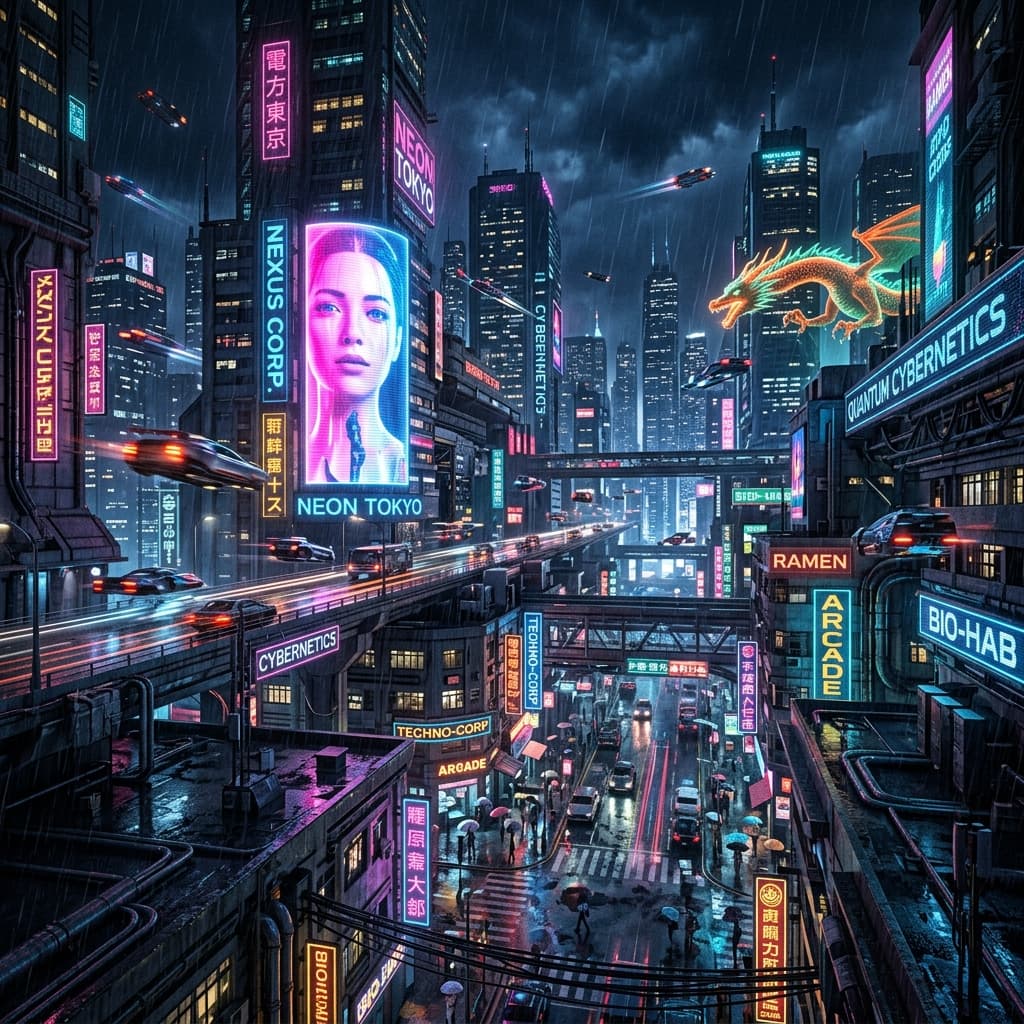
Cinematic Cyberpunk Portrait
High contrast dramatic lighting, volumetric fog, sharp focus, 8k resolution

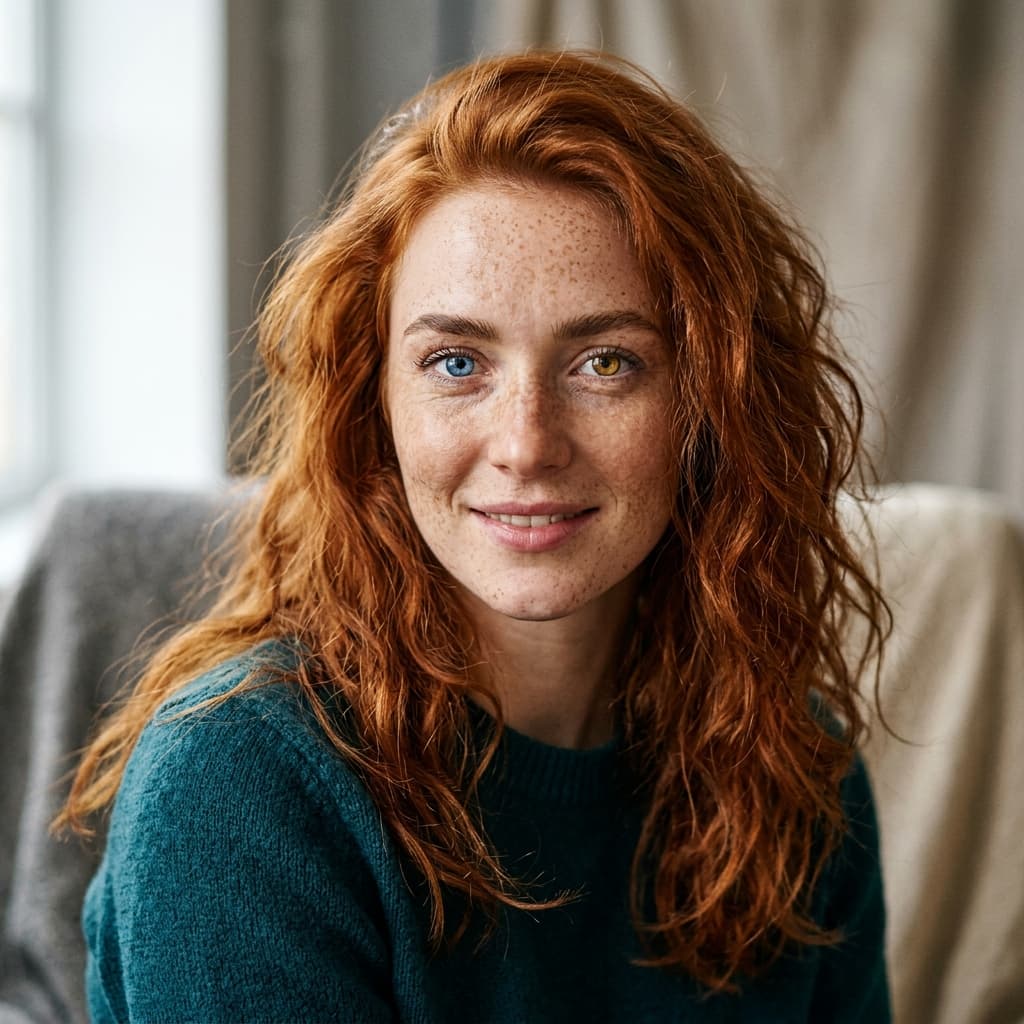
Neon Rain Portrait
Cinematic portrait, 35mm lens, high ISO grain, dramatic neon lighting

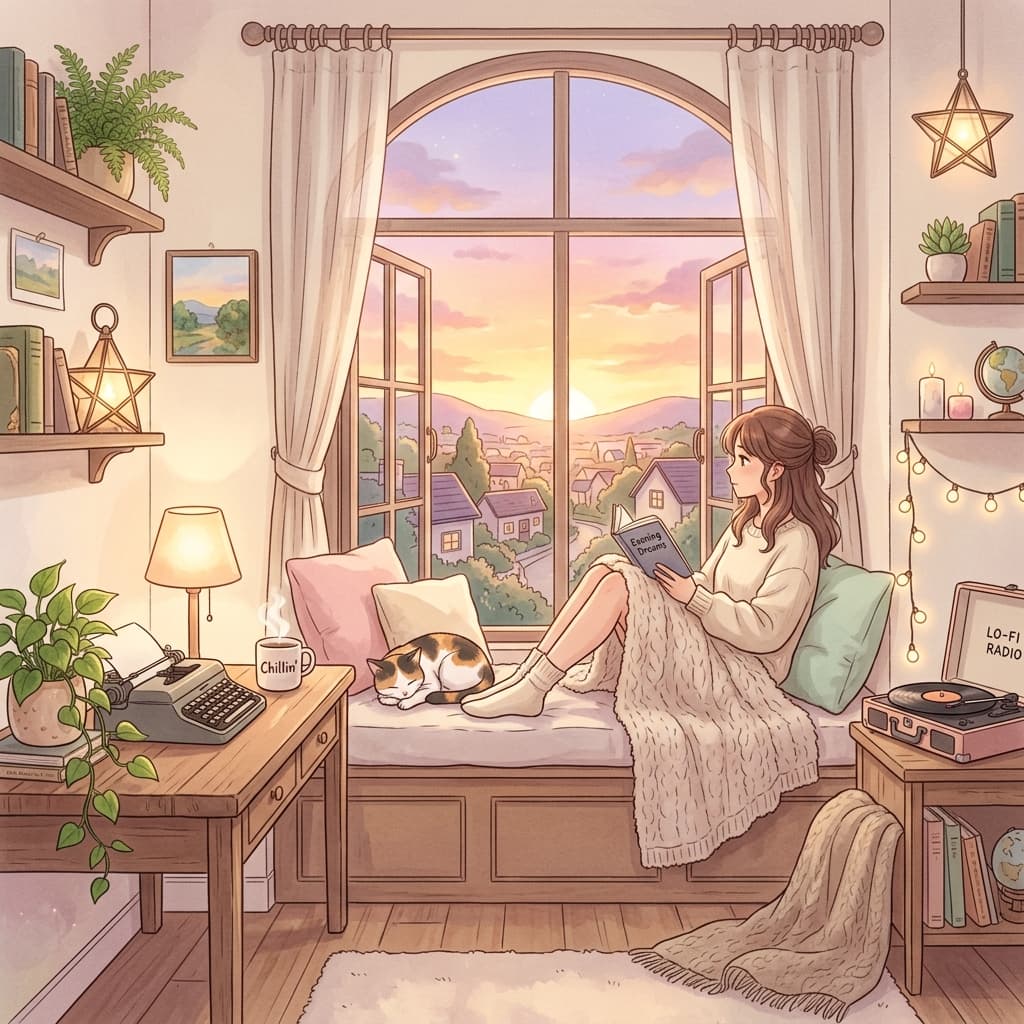
Vintage NYC Street
Film grain, vintage color grading, high contrast lighting, cinematic framing
Frequently Asked Questions
What image formats does the image to prompt tool accept?+
Our prompt generator from image accepts JPG, PNG, and WebP files up to 10MB. For best results, upload the highest resolution version you have — more detail means more accurate lighting and texture extraction in your final ai image prompt.
Can I batch-process multiple images at once?+
Yes. Free users can analyze one image at a time, but premium plans unlock batch processing of up to 50 images per session. Each image to text prompt extraction runs independently, giving you 50 unique prompt outputs in minutes instead of hours.
Does the tool generate negative prompts too?+
It does. When you generate prompt from image, our engine automatically suggests negative prompts — things to exclude from the output. This is especially useful for Stable Diffusion users where negative prompts dramatically improve image quality and reduce artifacts.
Can I use extracted prompts with LoRA or custom style models?+
Absolutely. The ai image generator prompt output is plain text syntax — you can append any LoRA trigger words, embedding references, or custom model tokens to the extracted prompt. The base prompt gives you the visual formula; you layer custom models on top.
Is there an API for automated image-to-prompt extraction?+
Yes, all paid plans include REST API access for our image prompt AI engine. You can integrate programmatic prompt generation from image uploads directly into your CMS, design tool pipeline, or content automation workflow.
How does this handle AI-generated images versus real photographs?+
Our prompt image ai engine works with both, but the output differs. Real photographs produce prompts focused on camera settings and natural lighting. AI-generated images produce an ai generated image prompt that identifies the original generation style, model characteristics, and artistic parameters used.