Midjourney•15 min read
Prompt Generator From Image: Ultimate Guide
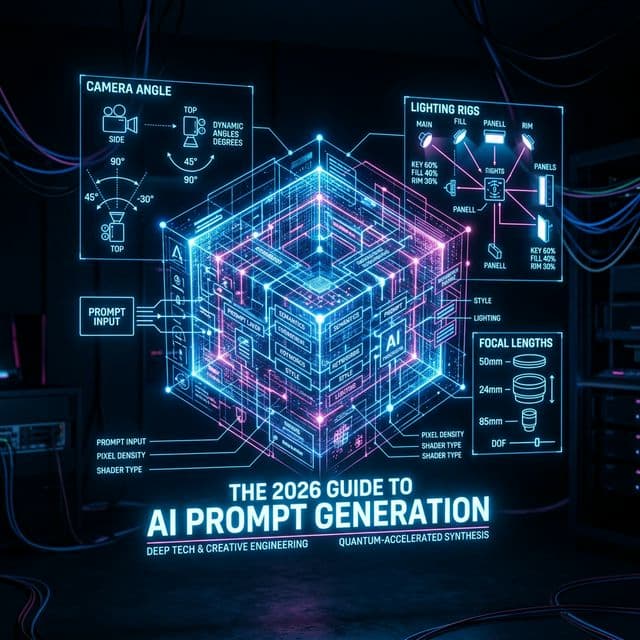
As generative engines evolve at an unprecedented pace, the reliance on manual keyword guessing has become entirely obsolete. The modern creative workflow demands absolute structural precision, which is exactly why every professional designer, art director, and 3D generalist now relies exclusively on a <a href="/tools/image-to-prompt" class="text-blue-600 font-extrabold hover:underline">prompt generator from image</a>.
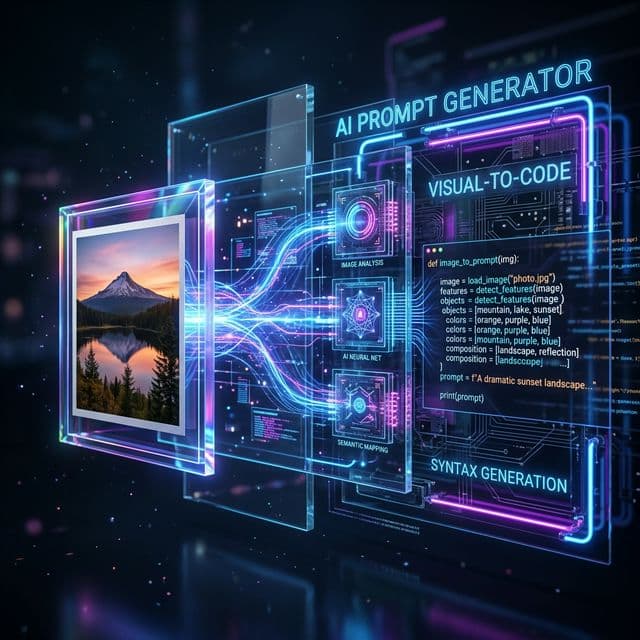
Decoding the Core Mechanics
When you submit a reference photo into a highly advanced multimodal vision model (like GPT-4V or heavily trained CLIP variants), the image to text prompt algorithm does not just identify standard nouns like "a dog in a park". That is what legacy image recognition did in 2018.
A true, modern vision extractor reverse-engineers the ISO rating, the physical depth of field (e.g., f/1.4), the emotional undertone (e.g., melancholic, nostalgic), and the specific lighting rig used in the photograph (e.g., volumetric god rays, paramount lighting, split lighting).
Setting Up Your Production Workflow
To build a scalable, predictable generative agency, you must adhere rigidly to the following 5-step image-prompting paradigm:
1. Source the Target Visual Asset
Do not rely on your imagination for initial lighting parameters. Find an image on Pinterest, Dribbble, or ArtStation that perfectly captures the "vibe" or technical rendering you want to replicate.
2. Execute the AI Extractor
Upload the asset directly into the system to <a href="/tools/image-to-prompt" class="text-blue-600 font-extrabold hover:underline">generate prompt from image</a> syntax. Ensure you run it through the system twice to identify baseline parameters.
3. Isolate the Environmental Variables
The resulting midjourney image prompt will contain the exact lighting formula. It will look like a chaotic string of text (e.g., *a red sports car, volumetric fog, cinematic rim lighting, shot on 35mm --ar 16:9*).
4. Swap the Primary Subject
All you have to do is swap the subject (e.g., change "a red sports car" to "a luxury titanium watch") while keeping the lighting parameters entirely identical.
5. Final Output Generation
Take the mutated ai picture prompt string and drop it into Midjourney V6 or Stable Diffusion. You will achieve staggering, photorealistic perfection on your very first compute iteration.
By adopting an ai picture prompt system, you immediately bridge the massive gap between human imagination and machine interpretation, saving hundreds of hours and thousands in GPU compute credits.
M
Michael Chen
Prompt Engineer