Prompting•10 min read
Stable Diffusion Prompts: A Complete Guide (2026)
Stable Diffusion is the most flexible of the major image models — and the most particular about how you prompt it. Where Midjourney wants a sentence, Stable Diffusion wants a structured list of weighted tags plus a negative prompt. Get that structure right and SD will give you precise, repeatable control that the others can't. This guide covers the exact anatomy, the weighting syntax, the settings that matter, and how to turn any image into an SD-ready prompt.
TL;DR: Write a short subject line, then 10–15 comma-separated tags in order of importance, optionally led by a quality preamble like (masterpiece, best quality, highly detailed:1.2) — and always pair it with a negative prompt. Use (term:weight) to emphasise. Or skip the typing: paste an image into the Stable Diffusion prompt generator and it builds the whole structure for you.
How Stable Diffusion prompts are different
Stable Diffusion doesn't read your prompt as a story; it reads it as a bag of concepts, weighted by where they appear and how you mark them. That has two big implications. First, order matters — tokens near the front carry more influence, so lead with what's most important. Second, you get explicit numeric control over emphasis with the weighting syntax, which no amount of adjectives can replace. Treat an SD prompt like a recipe with measured ingredients, not a paragraph.
The structure of a Stable Diffusion prompt
A clean SD prompt has four parts:
Weighting: the (term:weight) syntax
The single most useful SD skill is controlling emphasis with parentheses and a number. (red motorcycle:1.3) pushes that term harder; (background details:0.8) pulls it back. Above 1 emphasises, below 1 de-emphasises, and 1.0 is neutral. Keep weights roughly between 0.7 and 1.5 — go higher and the image starts to distort or burn. A couple of well-placed weights beat ten plain tags.
See it in action: a real image to an SD prompt
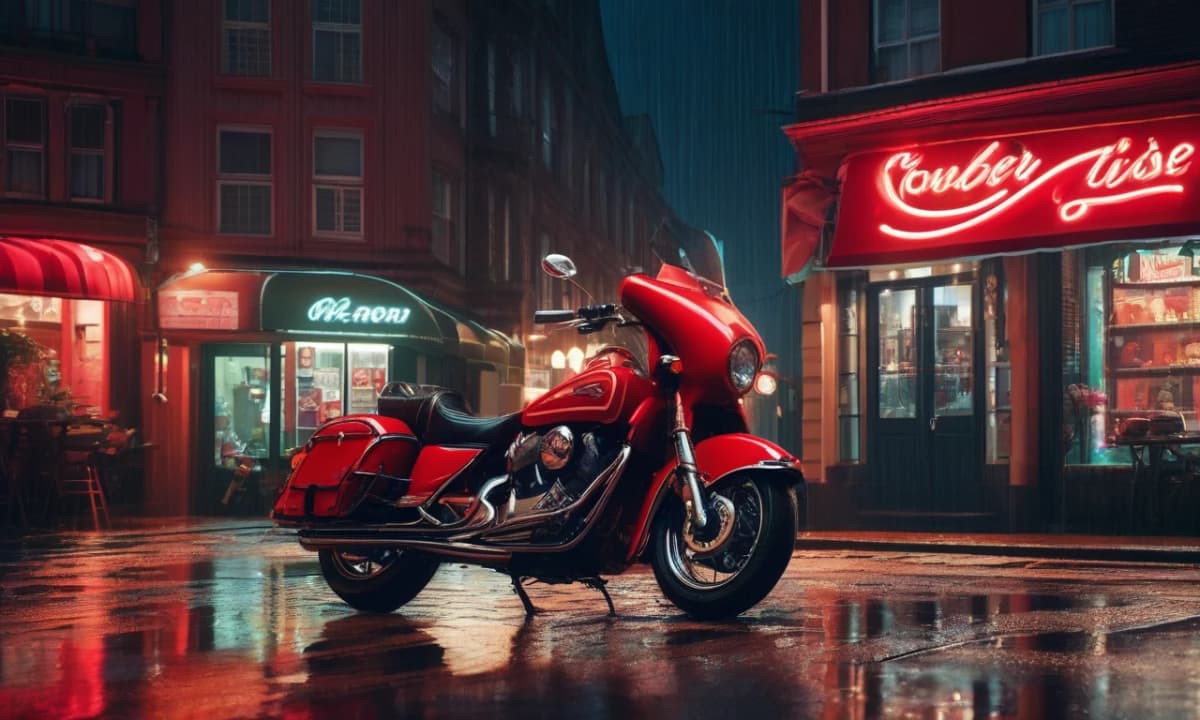
We ran one image through the Image to Prompt tool in Stable Diffusion mode. Here is the reference and what the tool returned (with one honest caveat below).
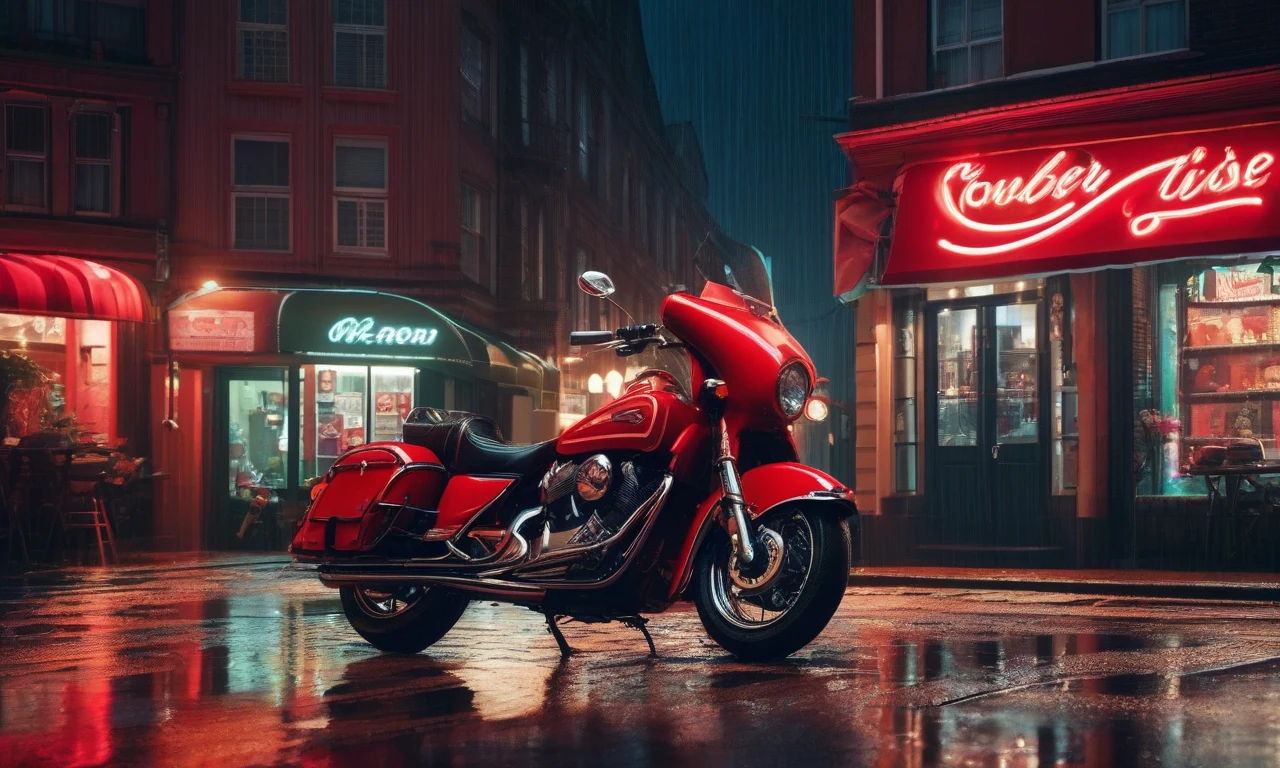
The tool returned a quality preamble, a subject line and a tag list — though it over-generated tags (more on that next), so here it is trimmed to the strongest dozen or so, plus the standard negative prompt the SD mode appends:
(masterpiece, best quality, highly detailed:1.2) A red motorcycle parked outside a neon-lit diner at night, with a wet street reflecting the vibrant colors of the scene.
volumetric lighting, octane render, film grain, shallow depth of field, high contrast, warm tones, cinematic composition, moody atmosphere, dark shadows, reflective surfaces, sharp focus, realistic textures, nighttime setting, neon signs
Negative prompt: (worst quality:1.4), (low quality:1.4), (normal quality:1.2), lowres, blurry, jpeg artifacts, bad anatomy, bad hands, extra fingers, missing fingers, watermark, signature, text, ugly, deformed
volumetric lighting, octane render, film grain, shallow depth of field, high contrast, warm tones, cinematic composition, moody atmosphere, dark shadows, reflective surfaces, sharp focus, realistic textures, nighttime setting, neon signs
Negative prompt: (worst quality:1.4), (low quality:1.4), (normal quality:1.2), lowres, blurry, jpeg artifacts, bad anatomy, bad hands, extra fingers, missing fingers, watermark, signature, text, ugly, deformed
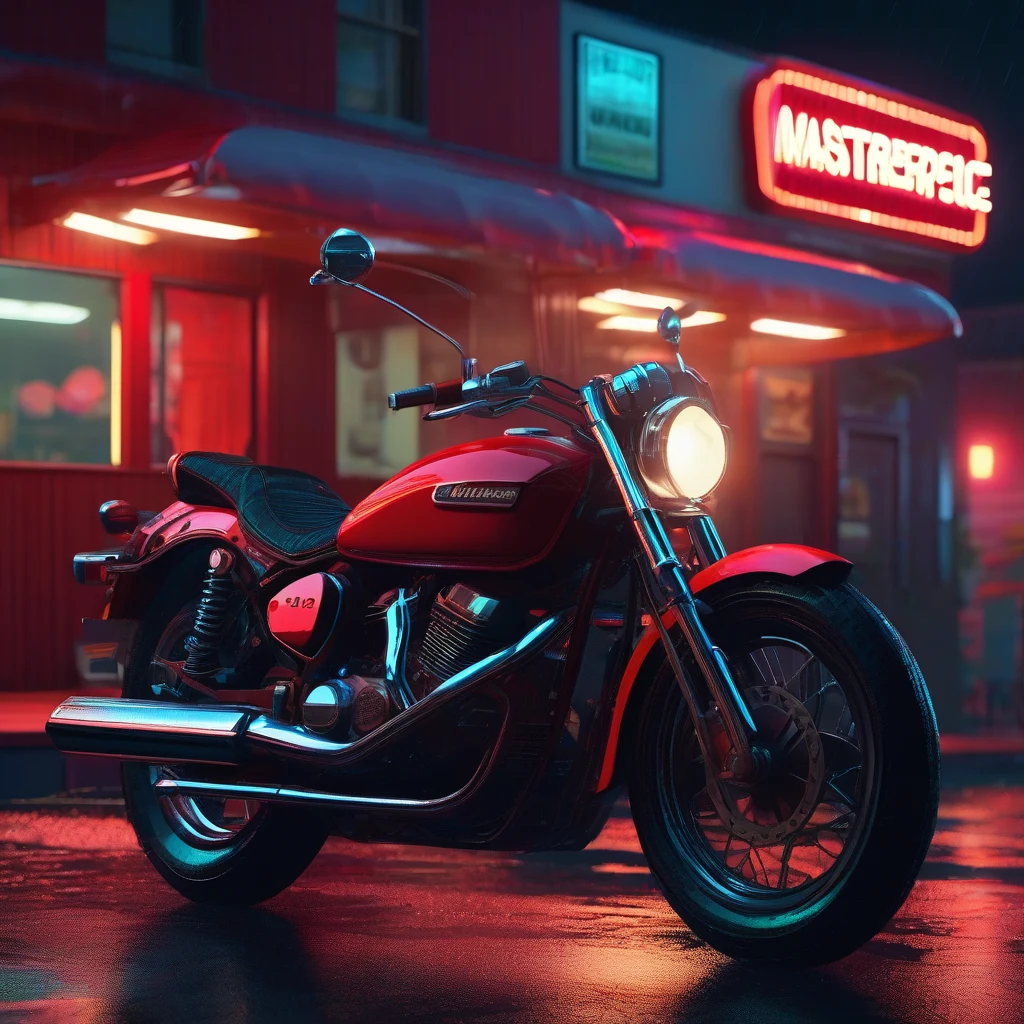
And here's what our generator produced from that prompt — note how the tag list translates into a specific, controlled image:
Fewer, stronger tags win
Here's the honest caveat: the automatic extractor handed back a long, rambling tag list that trailed off into vague, repetitive concepts. That's a perfect illustration of the most common SD mistake. Because Stable Diffusion front-loads attention, a long tail of weak tags steals weight from the ones that matter. The fix is discipline: keep one clear subject line and your 10–15 strongest, most specific tags, then delete the rest. A short, deliberate prompt almost always beats a sprawling one — which is exactly why we trimmed the example above.
Negative prompts, briefly
Stable Diffusion is the model where a negative prompt does real work: it removes the failure modes SD is prone to — mangled hands, extra fingers, blur, watermarks, stray text. The default above is a strong starting point, and you can weight negatives too ((blurry:1.4)) to push them harder. There's more nuance here than fits in one section, so we cover it fully in the negative prompts guide.
SDXL vs SD 1.5
Both use the tag-and-weight approach, but they behave differently. SD 1.5 is the classic tag-soup model and leans heavily on community checkpoints for a given style. SDXL understands more natural phrasing, needs less of the quality preamble, and composes scenes better out of the box. If your tags feel fussy and the result is still off, SDXL is the more forgiving starting point; SD 1.5 rewards precise tagging and the right checkpoint.
The settings that matter
Prompt aside, three generation settings change your output the most:
| Setting | What it does | Safe default |
|---|---|---|
| CFG scale | How strictly the image follows your prompt | 6–8 |
| Steps | How many denoising passes (detail vs time) | 25–35 |
| Sampler | The algorithm that builds the image | DPM++ 2M Karras |
Tune CFG first — too high looks harsh and over-saturated, too low looks vague. Then adjust steps; past ~35 you get diminishing returns. Leave the sampler on a reliable default until you have a reason to change it.
Turn any image into a Stable Diffusion prompt
If you'd rather not hand-build tag lists, the Image to Prompt tool reads any reference image and returns a full SD prompt — preamble, subject, weighted tags and a negative — and the Stable Diffusion prompt generator builds one from a short description. Generate, trim to your strongest tags, and render.
Get a Stable Diffusion prompt from any image — free. Upload a reference and the tool returns a ready-to-paste SD prompt with a negative, no signup required. Open the Stable Diffusion prompt generator →
Stable Diffusion rewards structure and restraint: a clear subject, a dozen deliberate tags, the right weights, and a solid negative. Master that and you get the most controllable image model there is — and the skill transfers straight to every SD checkpoint and interface you'll ever use.
I
ImaginPrompt
Prompt Engineering Team
Frequently Asked Questions
How is a Stable Diffusion prompt structured?
As a comma-separated list of tags, not sentences: an optional quality preamble like (masterpiece, best quality:1.2), a short subject description, then aesthetic tags (lighting, colour, medium, mood) in descending importance — plus a separate negative prompt for what to exclude.
What is the (term:weight) syntax?
Parentheses with a number set emphasis. (red motorcycle:1.3) makes that term stronger; (background:0.8) makes it weaker. Values above 1 emphasise, below 1 de-emphasise. Keep weights between about 0.7 and 1.5 — extreme values distort the image.
Do I need the 'masterpiece, best quality' preamble?
It's a common convention, especially on anime and SD 1.5 checkpoints, and it nudges quality. It matters less on SDXL. Use it, but don't rely on it to fix a weak prompt — specific description does the real work.
How many tags should a Stable Diffusion prompt have?
Fewer than you think. SD weights the earliest tokens most, and a long tail of weak tags dilutes the strong ones. Aim for one subject line plus roughly 10–15 deliberate tags. If an auto-generated prompt gives you 40 tags, keep the best dozen.
What is a negative prompt and do I need one?
It lists what to keep out — things like (worst quality:1.4), blurry, bad anatomy, extra fingers, watermark, text. On Stable Diffusion it noticeably improves results, so yes, use one. We cover negatives in depth in our negative-prompts guide.
SDXL vs SD 1.5 — what changes for prompting?
SD 1.5 is pure tag soup and leans on community checkpoints. SDXL understands more natural phrasing, needs less of the quality preamble, and handles composition better out of the box. The tag-and-weight approach works for both; SDXL is just more forgiving.
What CFG scale and steps should I use?
A CFG (guidance) scale around 6–8 and 25–35 steps is a safe default. Higher CFG follows the prompt more strictly but can look harsh; more steps add detail with diminishing returns. Tune CFG first, steps second.
Can I turn an image into a Stable Diffusion prompt?
Yes — ImaginPrompt's Image to Prompt tool has a Stable Diffusion mode that reads an image and returns a quality preamble, a subject line, weighted tags and a negative prompt, ready to paste into your SD interface.
Is Stable Diffusion free?
The model is open-source, so you can run it free locally if you have a capable GPU, or use it through hosted services (some free, some paid). Writing and planning the prompts with our tools is free either way.